Onboarding
Setting up guest email: one address, one click
Give guests an email address that lands straight in your xHeron inbox. You set it up yourself from the Integrations page in about a minute — nothing technical, nothing to configure.
Updated Sep 7, 2026
What you get
An email address on xHeron's guest domain — for example hotelexample@guestcom.xheron.com. Guests write to it like any other address. Their emails, including attachments, appear in your xHeron inbox next to WhatsApp and SMS, and you answer them from there.
The address is ready the moment you request it. There is no approval step, no waiting and no settings to change at your domain provider.
Before you start
- RequiredAdmin accessOnly an administrator of your organization can add integrations.
- OptionalA mailbox for copiesIf a colleague should also receive every guest email, have that address ready.
How to set it up
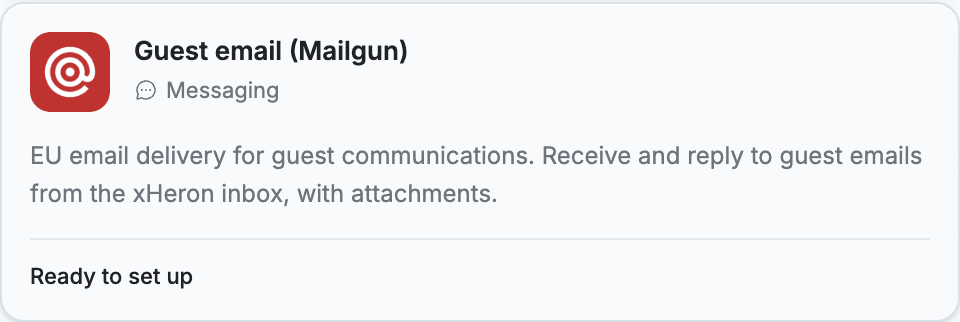
- Open your Integrations pageIn xHeron, open Management, choose your organization and go to Integrations. Find the tile Guest email (Mailgun) — it says “Ready to set up”. Click it.
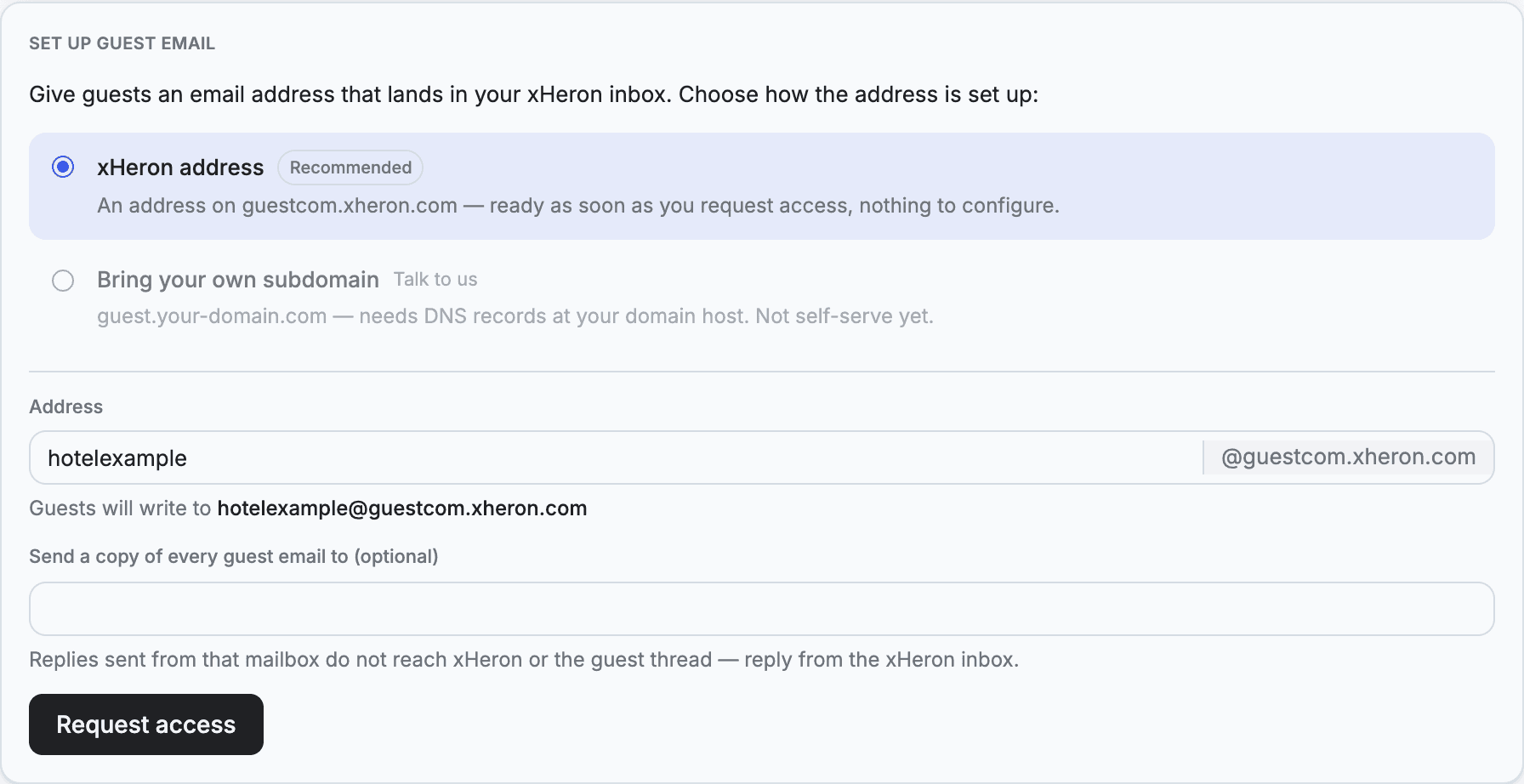
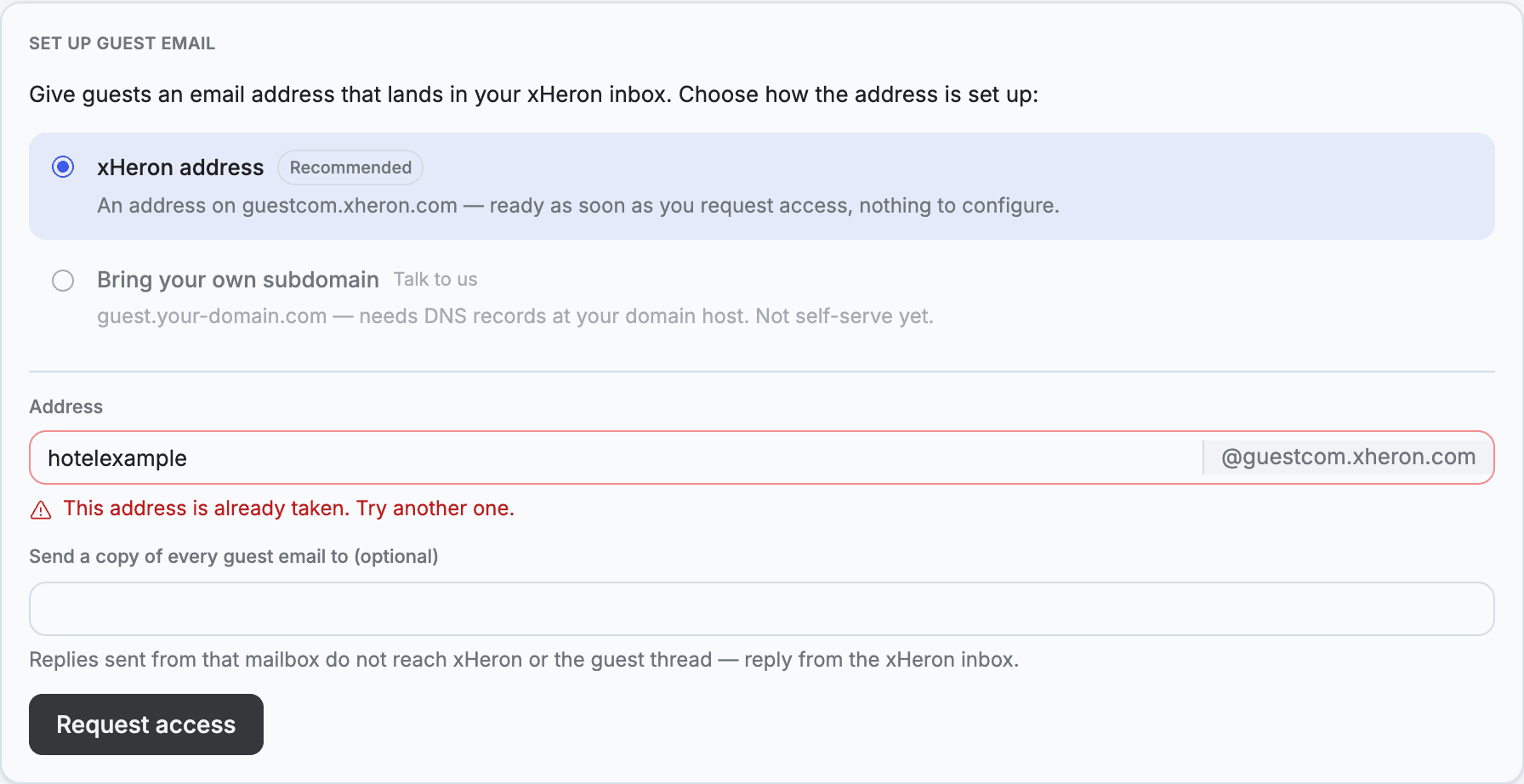
- Keep the recommended optionxHeron address is already selected. That is the one-click path described here. “Bring your own subdomain” is not available yet — talk to us if you need guest email on your own domain.
- Check your addressThe part before the @ is filled in from your organization name. You can change it — lowercase letters, digits, dots, hyphens and underscores, 3 to 64 characters. The line underneath shows the full address your guests will write to.
- Optional: add a copy addressEnter a mailbox under “Send a copy of every guest email to”, and every guest email is also forwarded there. Note that replies sent from that mailbox do not reach xHeron or the guest — always answer from the xHeron inbox.
- Click “Request access”That is the whole setup. Within a few seconds the card confirms your address.
After the setup
The card now shows “Guest email is ready” with your address and a Copy button. If you added a copy address, it is listed underneath.
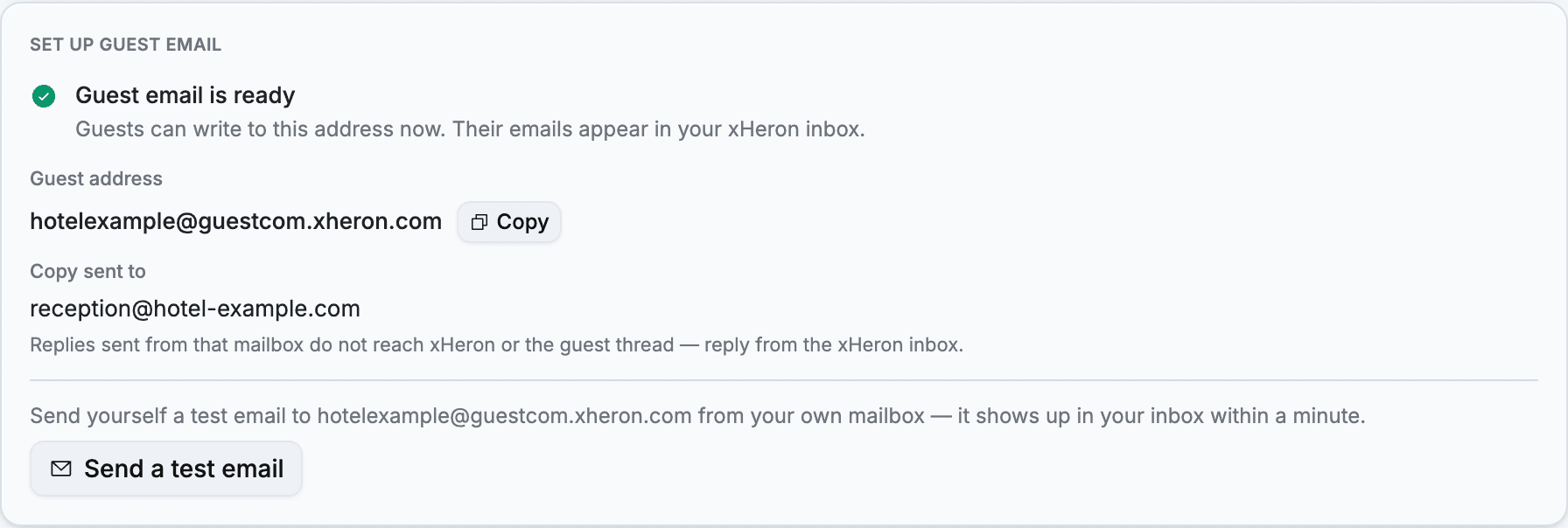
- Send yourself a test emailClick Send a test email (or write to the address from your own mailbox). It shows up in your xHeron inbox within a minute.
- Share the address with your guestsPut it wherever guests look for a way to write to you: booking confirmations, check-in instructions, your website.
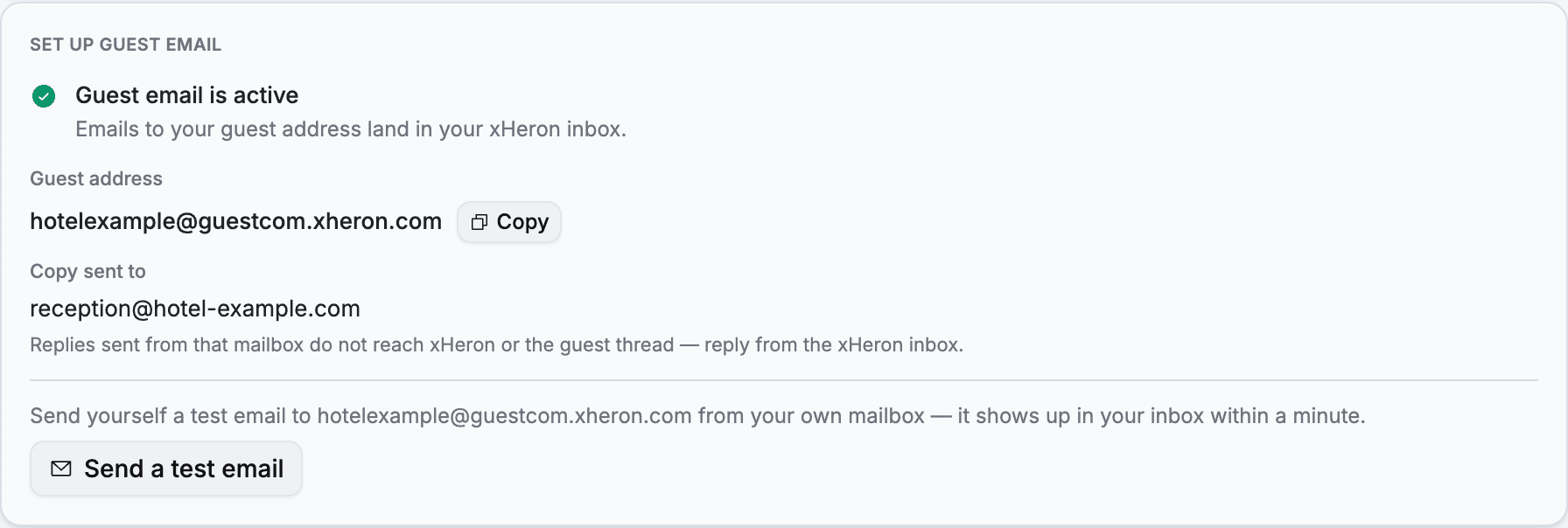
Whenever you come back to the Integrations page, the card reads “Guest email is active” and shows the copy address, if you set one.
If something doesn't work
- “This address is already taken”All customers share the guest domain, so a name can be in use by someone else. Change the part before the @ — add your town, for example — and click Request access again.
- “Guest email isn't available on this environment yet”Nothing is wrong on your side: guest email is not switched on for your workspace yet. Talk to us and we finish the setup.
- “A setup step failed on our side”Click Try again — a second attempt usually completes it. If it keeps failing, contact us.
Always reply from the xHeron inbox. Guest emails arrive there as conversations, so your team, Anna and the guest's history stay together. A reply sent from a copy mailbox reaches the guest, but not xHeron.